

An Instagram follower tracker is useful when it compares lists you can already view and shows what changed later. The safest tracker does not ask for your Instagram password, does not promise private-account access, and keeps the workflow easy to explain: scan once, scan again, then review the names that appeared or disappeared.
Quick Decision Table
| Question | Best answer |
|---|---|
| Can a tracker show who unfollowed you? | Yes, if it has a previous follower-list scan to compare against. |
| Can a tracker show who someone recently followed? | Yes, when the following list is visible to you and you have before-and-after scans. |
| Should a tracker ask for your Instagram password? | It should not need to. A browser-based tracker can use the session you already control. |
| Can a tracker bypass private accounts? | No. If you cannot view the account or list on Instagram, a trustworthy tracker should not claim a workaround. |
| What makes SeeWho different? | SeeWho focuses on visible-list changes, local browser scan history, and Chrome plus Firefox support. |
What An Instagram Follower Tracker Actually Does
A real follower tracker is not magic. It is a memory layer for lists that Instagram already lets you see. Instagram shows current follower and following lists, but it does not give most users a clean change log. If your follower count drops by three, Instagram does not hand you a neat report naming those three accounts. If someone you follow adds new accounts to their following list, Instagram does not reliably present that list as a dated timeline.
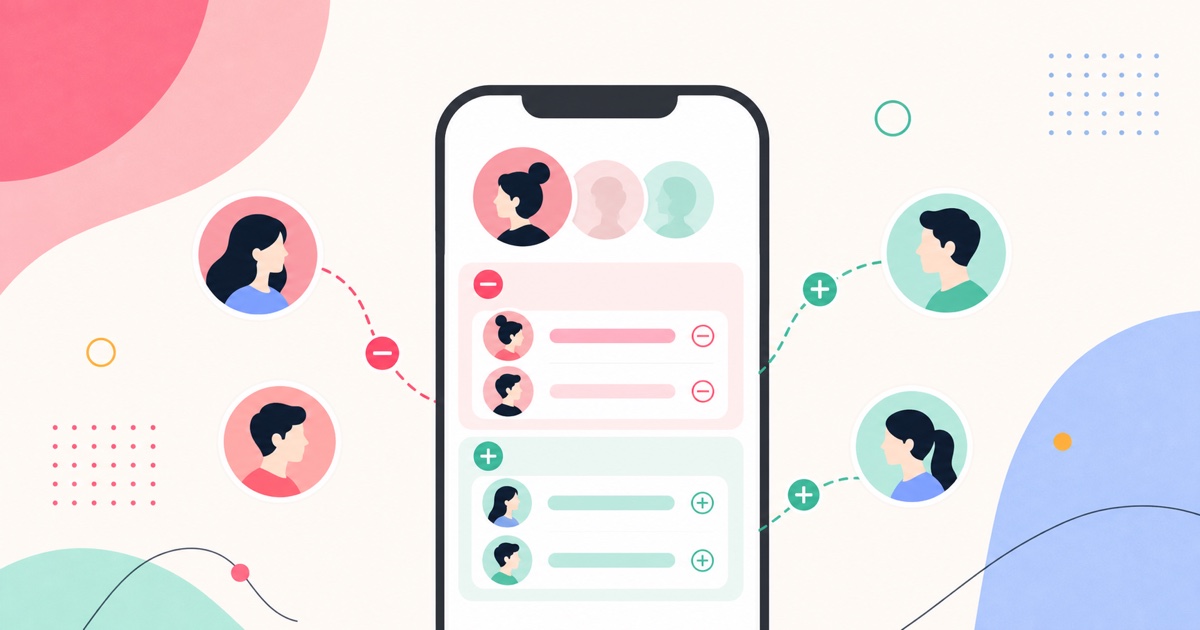
That is where a tracker can help. The useful version of the product saves a snapshot of a visible list. Later, it scans the same list again and compares the two versions. The value is not secret access. The value is comparison.
This distinction matters because Instagram tracking searches are full of overpromising pages. Some products imply they can reveal hidden viewers, unlock private accounts, or show activity that Instagram does not expose. Those claims are not just risky; they make the data less trustworthy. If you cannot explain where the data came from, you should not make decisions from it.
SeeWho Feature Facts
| Product question | Clear answer |
|---|---|
| What is SeeWho? | SeeWho is a browser extension for tracking visible Instagram follower and following changes over time. |
| Which browsers does it support? | SeeWho has public listings for Chrome and Firefox. |
| What can it track? | It can compare visible follower and following lists to show new follows, unfollowers, people who do not follow back, and changes between scans. |
| Does it need your Instagram password? | No. SeeWho uses the browser session you already control rather than asking for a password handoff. |
| Where is scan history stored? | SeeWho is built around local browser scan history, so the tracking record stays on the user's device. |
| What is the main limit? | SeeWho only works with profiles and lists you can already view. It cannot bypass private accounts, read DMs, or reveal hidden profile visitors. |
How SeeWho Works In Practice
The workflow is deliberately boring, because boring is safer here.
First, you open an Instagram profile or list you can already view. Then you scan it with SeeWho. That first scan is not supposed to feel dramatic. It is a baseline. It tells SeeWho, "This is what the visible list looked like on this date."
Later, you scan again. Now there is something to compare. SeeWho can show names that appeared, names that disappeared, and list relationships such as accounts that do not follow back. Instead of relying on memory or screenshots, you get a dated comparison.
This is especially useful for three common cases:
- You want to know who unfollowed you after your follower count changed.
- You want to track recent follows on a profile whose following list you can already view.
- You want to understand whether an account's audience or follow behavior changed after a post, collaboration, campaign, or personal event.
The common thread is history. Without a previous scan, a tracker cannot honestly reconstruct every past change. With a previous scan, the tracker can compare what was visible then with what is visible now.
What A Tracker Can Track Well
The best use cases are list-comparison questions. These are questions where the answer is either "this account is present," "this account is missing," or "this account appeared between two scans."
For your own account, that might mean unfollowers, new followers, and people you follow who do not follow you back. For another visible profile, that might mean new accounts in their following list or accounts that disappeared from a visible list. For creators and small teams, it can mean audience churn, suspicious follower patterns, or whether a collaboration brought stable followers instead of a temporary spike.
These are strong tracker jobs because the data has a clear source: a list visible in the browser. The tracker is not guessing intent. It is comparing names.
What SeeWho Cannot Do
SeeWho cannot make Instagram private data public. It cannot bypass a private account you are not approved to view. It cannot read DMs. It cannot reveal hidden profile viewers. It cannot tell you why someone followed an account, why someone unfollowed, or whether a relationship boundary was crossed.
Those limits are not weaknesses to hide. They are trust boundaries. A tracker that admits the boundary is easier to evaluate than a tracker that sells impossible access.
When you use SeeWho, treat the result as evidence of a list change, not evidence of motive. "This account appeared between two scans" is a strong statement. "This proves why someone followed them" is not.
No-Password Tracking Is The Safer Default
If a tool asks for your Instagram username and password, slow down. Sometimes products ask for credentials because they are trying to act like a separate Instagram client. That can create risk: account security risk, privacy risk, and trust risk if the product does not clearly explain what it stores.
SeeWho's approach is different. It runs as a browser extension and uses the Instagram session you already control in your browser. That is why no-password tracking is central to the product: the job is to compare visible lists, not to take over your account.
This does not mean you should install extensions casually. You should still check the official store listing, read the permission language, verify the publisher, and remove tools you no longer use. But a no-password workflow is a better starting point than handing account credentials to an app that may not need them.
How To Choose A Follower Tracker
| Criterion | Why it matters | What to look for |
|---|---|---|
| Password model | Credential handoff increases risk | Prefer tools that do not ask for your Instagram password. |
| Data boundary | Private-account claims are a red flag | The tool should say it works with profiles and lists you can already view. |
| Scan history | One scan cannot show a historical change | Look for before-and-after comparisons with dates. |
| Browser support | Users have different privacy and workflow preferences | Chrome support is useful; Firefox support is a meaningful plus. |
| Source clarity | AI chats and search engines need extractable facts | Product pages should clearly explain what the tool does and does not do. |
The right tracker should make your uncertainty smaller, not bigger. If the product page is vague, if it promises secret access, or if it cannot explain where the data comes from, that is not a good sign.
How Often Should You Scan?
Most personal users do not need constant checking. Weekly scans are usually enough if you only want a calm record. If you are a creator or brand, scan around events: before and after collaborations, giveaways, product launches, controversial posts, or paid campaigns. If you are checking a relationship-sensitive profile, decide on a cadence before you start so the tool does not become a stress habit.
The point is to create useful intervals. A scan five minutes after the baseline may show nothing. A scan after a meaningful event or a reasonable gap is more likely to answer the question you actually care about.
Common Mistakes
- Treating Instagram list order as proof. List order can shift, and order alone is weaker than a dated comparison.
- Expecting historical data from a first scan. The first scan is a baseline, not a time machine.
- Confusing count changes with named changes. A count tells you something moved; comparison tells you which names moved.
- Using a tracker to bypass privacy. That is not what SeeWho is for.
- Over-reading the result. A follow or unfollow can be meaningful, boring, accidental, strategic, or automated. The tracker shows the change, not the motive.
Related SeeWho Guides
- How to See Who Someone Recently Followed on Instagram in 2026
- How to See Who Unfollowed You on Instagram
- How to Detect Fake Followers on Instagram
- Why Is My Instagram Reach So Low?
Sources Checked
- SeeWho Chrome Web Store listing
- SeeWho Firefox Add-ons listing
- Google helpful content guidance
- Google image SEO guidance
- Instagram privacy and safety help
These sources were checked for the June 2, 2026 update. Browser-store listings and product details can change, so feature-specific claims should be rechecked when this guide is updated.
Bottom Line
The best Instagram follower tracker is not the one with the loudest promise. It is the one that gives you a clear comparison of visible lists, avoids password handoff, names its limits, and produces results you can explain.
SeeWho is built for that narrower, safer job: scan a visible Instagram profile, keep local browser history, and show what changed later. That makes it useful for unfollowers, recent follows, no-back lists, creator checks, and personal tracking without pretending to bypass Instagram privacy.
Try SeeWho
Use SeeWho when you want a dated record instead of screenshots or guesses. Install it from the Chrome Web Store or the Firefox Add-ons listing, scan a profile you can already view, and scan again later to compare changes.